

Managing the money is the backbone of every business, and the right software makes it far easier. But the choices are overwhelming, and picking the wrong one wastes time and money.
Here are the main types of accounting software, what each is good for, and how to choose the one that actually fits your business.
The main types of accounting software
Billing and invoicing software
As your business grows, invoices pile up. Billing and invoicing tools make it easy to send professional invoices, track who has paid, and set up recurring billing, so you spend less time on paperwork and get paid faster.
Payroll software
Every business with employees needs to pay them accurately and on time, and file the related payroll taxes. Payroll software automates wage calculations, pay runs, and filings. It is also the engine behind a done-for-you payroll service.
Full-service accounting platforms
These are the all-in-one systems most small businesses land on, like QuickBooks Online and Xero. They combine income and expense tracking, invoicing, reconciliation, and reporting in one place, and produce your balance sheet and profit and loss automatically.
Spreadsheets
Plenty of businesses start in a spreadsheet. It is cheap and flexible, but it is manual, easy to break, and does not scale. Most businesses outgrow it quickly and move to real accounting software.
Cloud vs. desktop
Older accounting software lived on one computer (desktop). Today most small businesses use cloud software, which you reach from anywhere, backs up automatically, and lets your bookkeeper work in the same file you do, in real time. If you are still on QuickBooks Desktop, moving to the cloud is a common upgrade, and something we handle as part of a clean-up and migration.
How to choose the right one
Do not start with the software. Start with what your business actually needs:
- Your size and complexity. A solo service business needs less than a growing company with inventory and payroll.
- The features that matter to you. Invoicing, payroll, inventory, reporting, pick for your real workflow, not the longest feature list.
- Whether a bookkeeper will use it. If someone helps with your books, choose a platform they know well, so nothing gets lost in translation.
Frequently asked questions
QuickBooks or Xero, which is better?
Both are excellent full-service cloud platforms, and the right choice depends on your needs and what your bookkeeper works in. Coastal is certified in QuickBooks Online (as a QuickBooks Online ProAdvisor) and in Xero, so either works well.
Do I still need software if I have a bookkeeper?
Yes, and your bookkeeper works inside it. The software is where your books live; a bookkeeper is the person keeping those books accurate and current. The two go together.
Can I switch software later?
You can. Moving from one platform to another, or from desktop to cloud, is a routine migration when it is done carefully so no history is lost. That is exactly what a clean-up and migration is for.
Where Coastal fits in
Coastal Bookkeeping works day in and day out in QuickBooks Online and Xero, and can set up your books, run them for you, or migrate you from Desktop to the cloud. Not sure which tool is right? That is part of the conversation.
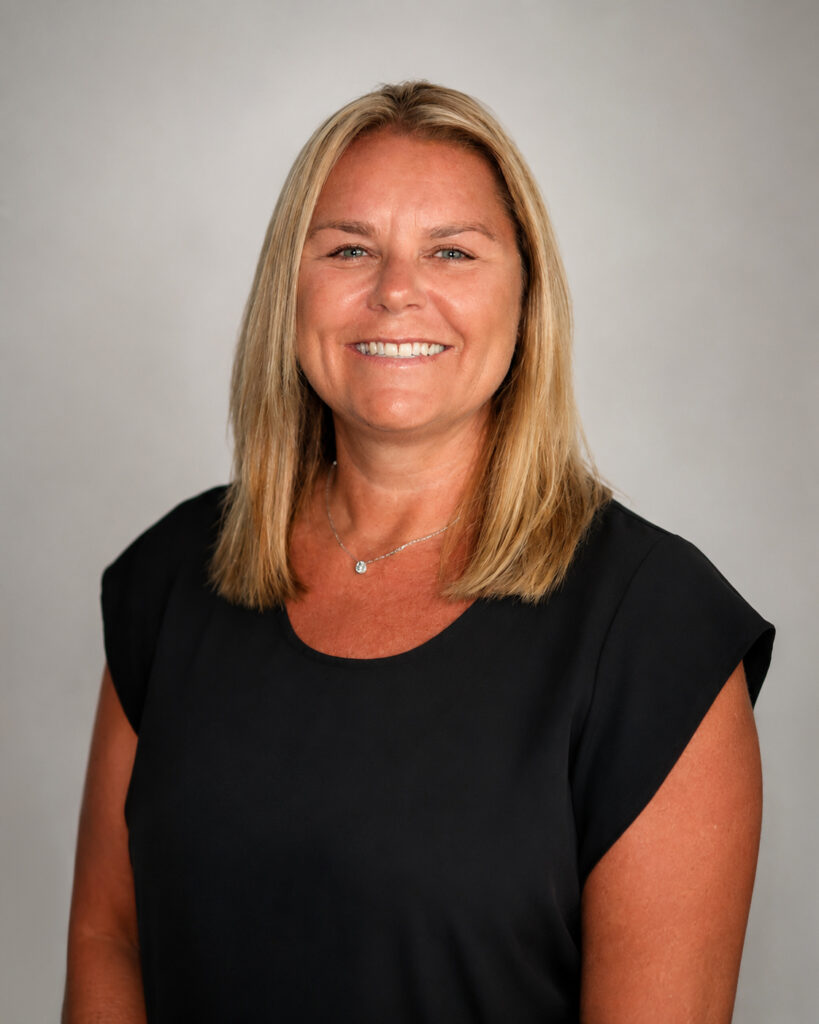
Written by
Selena Sagalow
QuickBooks Online ProAdvisor · ADP Certified · Xero Certified · 10+ years
Selena runs Coastal Bookkeeping, a U.S.-based virtual bookkeeping company serving small businesses and nonprofits. When you hire Coastal, you work directly with her.
Related reading: How to Set Up a Bookkeeping System for Your Small Business.