


If you are starting a business, congratulations. One of the most important pieces to put in place early is a bookkeeping system, so your business runs with a clear view of its money from day one. It feels overwhelming on top of everything else, but the setup comes down to a handful of steps.
Here is how to build a healthy bookkeeping foundation, and you do not have to do it alone.
Step by step
- Open a separate business bank account. Keep business and personal money apart from day one. It makes everything downstream cleaner and protects you at tax time. Add a business card for the same reason.
- Choose your accounting software. Cloud tools like QuickBooks Online and Xero handle the heavy lifting. Not sure which? See our guide to types of accounting software.
- Set up your chart of accounts. This is the list of categories your income and expenses get sorted into. Getting it right early makes your reports meaningful.
- Pick your accounting method. Cash-basis or accrual. See accrual vs. cash accounting for the difference, and confirm the choice with your CPA.
- Create a routine for receipts and records. Decide how you will capture receipts and log transactions, ideally digitally, so nothing gets lost.
- Decide who keeps it up. You can do it yourself, or hand it to a virtual bookkeeper for a fraction of the cost of a full-time hire.
Set it up right, or set it up once
The businesses that struggle later are usually the ones that skipped the foundation. A clean setup makes every month easier and keeps you from a painful clean-up down the road. If it is already messy, that is fixable too.
Frequently asked questions
Do I need accounting software to start?
For anything beyond the very simplest business, yes. Software keeps your records organized, produces reports automatically, and grows with you far better than a spreadsheet.
Can a bookkeeper set this up for me?
Absolutely, and it is a smart use of their expertise. A bookkeeper sets up your software, chart of accounts, and process correctly the first time, then keeps it running. That is exactly what Coastal does for new businesses.
What is a chart of accounts?
It is the organized list of categories your transactions get sorted into, like sales, rent, payroll, and supplies. A well-built chart of accounts is what makes your financial reports actually useful.
Where Coastal fits in
Coastal Bookkeeping sets up your books right from the start, software, chart of accounts, and a process that fits how you work, so your finances are organized from day one. Work directly with Selena, a QuickBooks Online ProAdvisor.
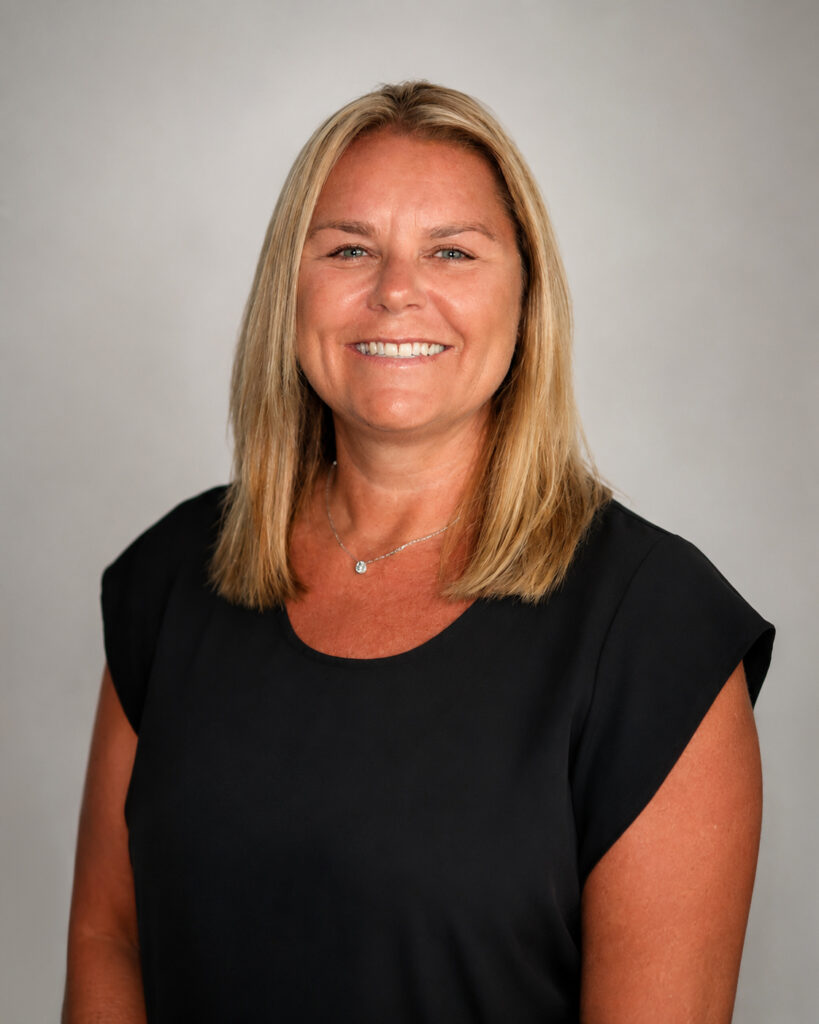
Written by
Selena Sagalow
QuickBooks Online ProAdvisor · ADP Certified · Xero Certified · 10+ years
Selena runs Coastal Bookkeeping, a U.S.-based virtual bookkeeping company serving small businesses and nonprofits. When you hire Coastal, you work directly with her.